Researched and edited with AI assistance. Editorial responsibility: Julian Dominic Altmann. Checked November 6, 2026. Source analysis; no first-party image generation or benchmark.
OpenAI released GPT Image 2.6 on November 4, 2026, with two developer-facing image models: gpt-image-2.6-flare for faster iteration and gpt-image-2.6-sunburst for more detailed compositions and consistent editing. The important pricing detail is easy to miss: both use the same published API token rates. OpenAI announcement · Sunburst · Flare
Images 2.6 is also available in ChatGPT and Codex. The token prices discussed here apply to separately billed API use, not to a ChatGPT subscription. Neither model has downloadable weights for local inference on Apple Silicon. This comparison focuses on the decision an image API developer actually faces: speed, edit quality and cost per usable final asset.
GPT Image 2.6 Sunburst vs Flare at a glance
| Feature | Sunburst | Flare |
|---|---|---|
| API model ID | gpt-image-2.6-sunburst | gpt-image-2.6-flare |
| Design priority | Precision and detail | Speed and iteration |
| Image generation and editing | Yes | Yes |
| SVG generation | Yes | Yes |
| Animated GIF output | Yes | Yes |
| Markup-guided edits | Yes | Yes |
complexity | low, medium, high | low, medium, high |
| Image output per 1M tokens | $30 | $30 |
Checked November 6, 2026; OpenAI model documentation. Listed features do not imply that quality is identical.
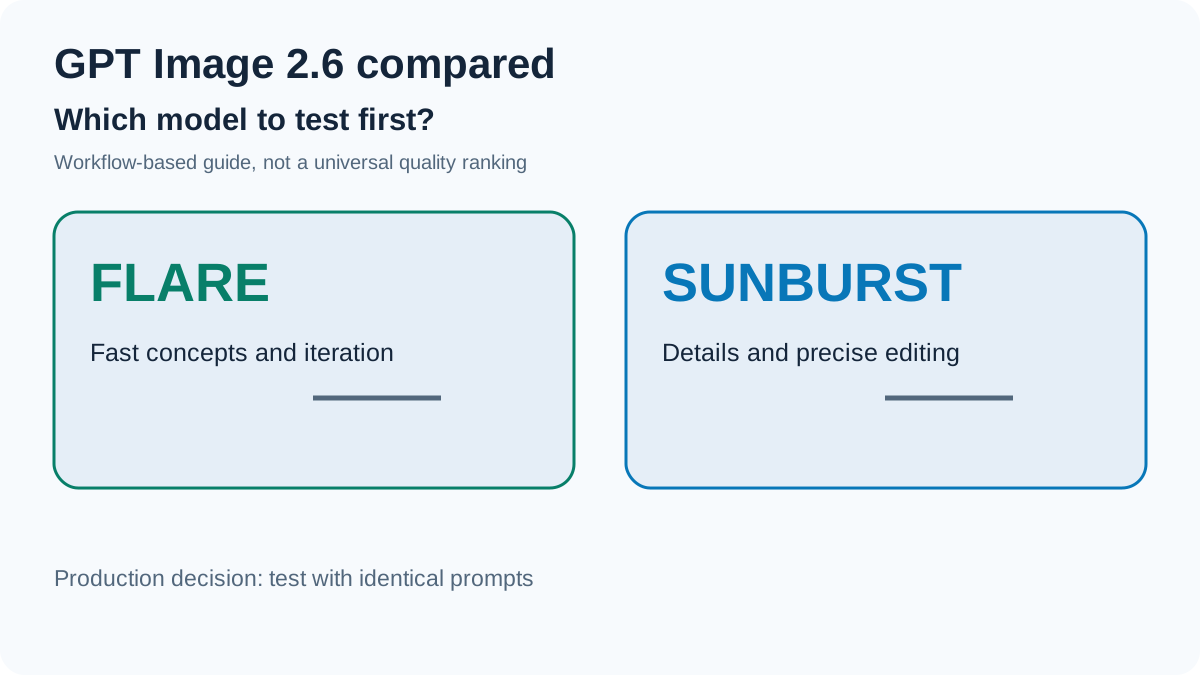
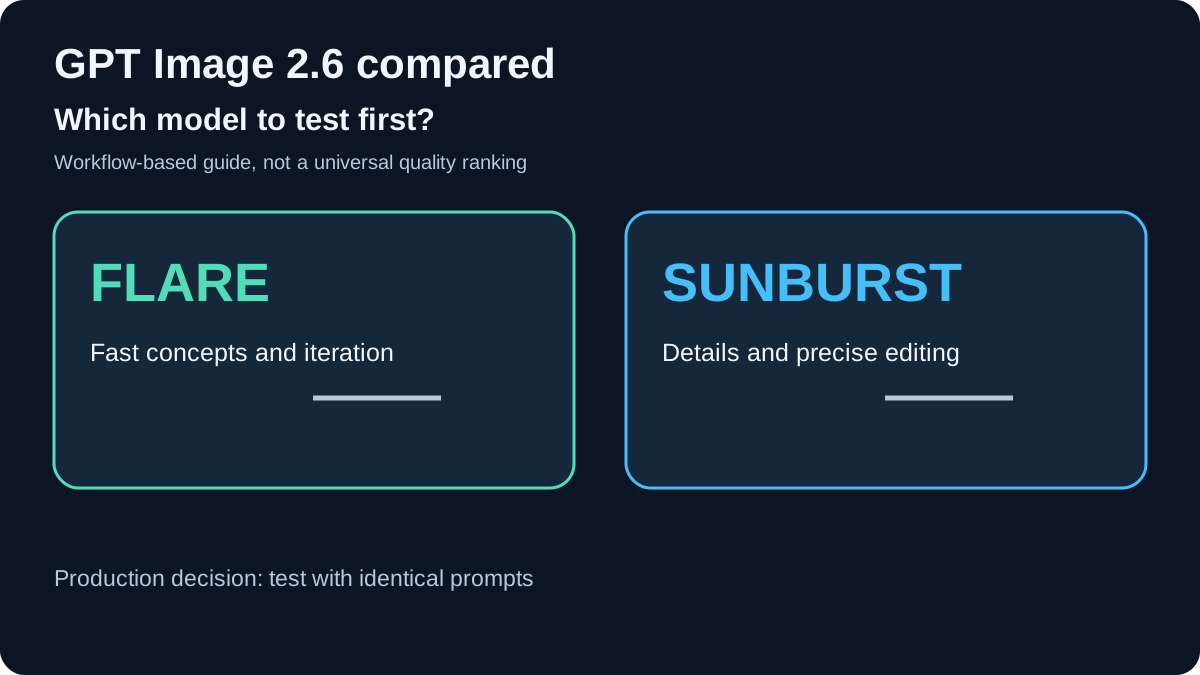
OpenAI describes Sunburst as the more detail-oriented choice, especially at medium or high quality. Flare prioritizes responsiveness while also improving layout performance for posters and product imagery, according to OpenAI. Those are product-positioning claims, not a controlled result proving one model consistently wins all image categories.
API pricing: what does each model cost?
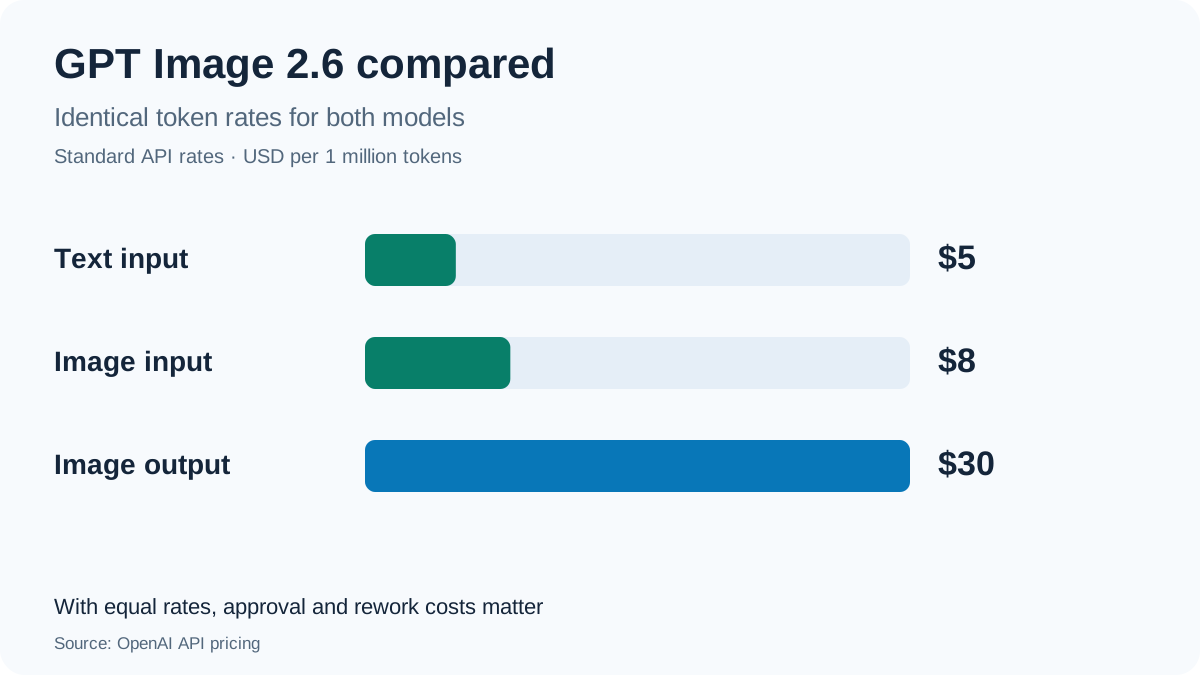
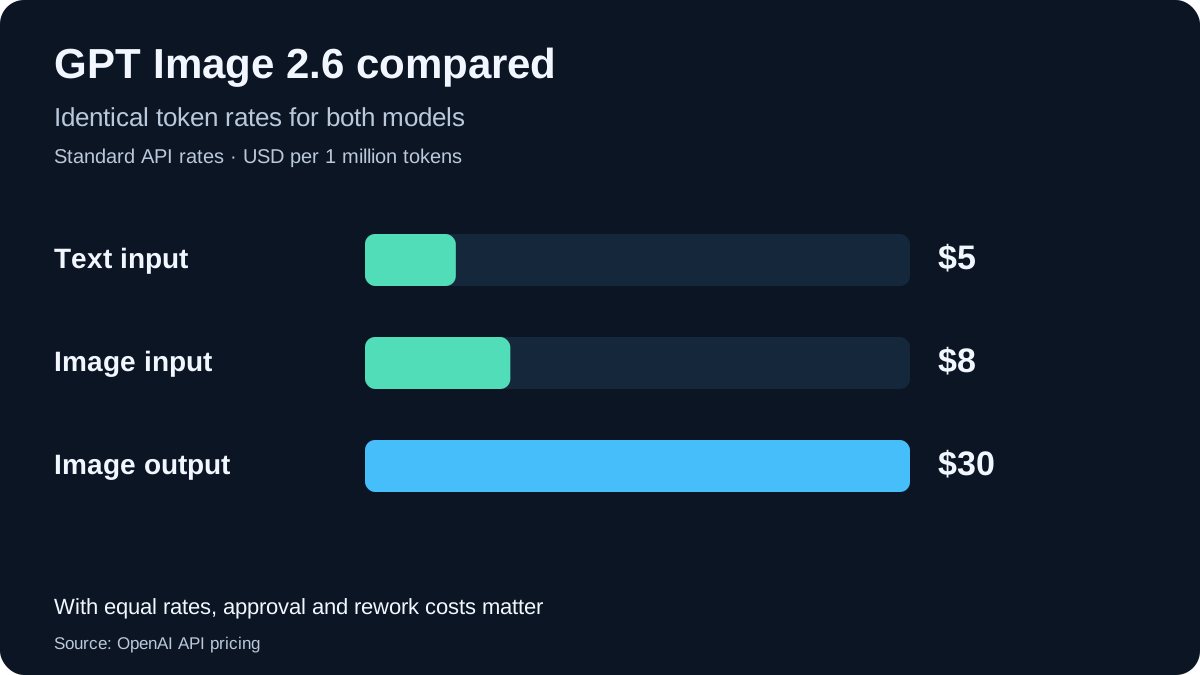
OpenAI lists the following standard rates for both versions. Output is billed by consumed image tokens; the API does not guarantee a flat per-image charge.
| Usage type | USD per 1M tokens |
|---|---|
| Text input | $5.00 |
| Cached text input | $1.25 |
| Image input | $8.00 |
| Cached image input | $2.00 |
| Image output | $30.00 |
For a request without input images, the approximate formula is:
Cost in USD = (text input tokens × 5 + image output tokens × 30) / 1,000,000.
As a hypothetical calculation, not an observed per-image price, 200 text tokens plus 3,000 image output tokens amount to $0.001 + $0.090 = $0.091 per generation. At identical token use, 100 requests would cost $9.10 and 1,000 requests $91.00. Reference images, resolutions, rendering quality, caching and editing retries all change the bill.
These are U.S.-dollar API list prices. For U.S. customers, any applicable tax depends on billing circumstances and jurisdiction; do not treat the listed amount as a national tax-inclusive consumer price. OpenAI pricing.
Track the cost of the approved asset
If a workflow generates ten images but approves only five, each accepted result effectively carries the cost of two generations, assuming equal cost per attempt. A model with higher latency might still prove economical if it requires less rework. Conversely, a faster model may reduce operator time even if output usage is similar.
Measure tokens per request, approval rate, correction rounds and cost per accepted image. No public launch figure establishes a universal winner on those combined metrics.
Speed: the launch claim and measured ad generation
OpenAI reports that Images 2.6 generates images 50% faster than before. At low quality, Flare can generate an image in as little as six seconds. Both are vendor claims and should not be used as a guaranteed production latency. OpenAI, November 4.
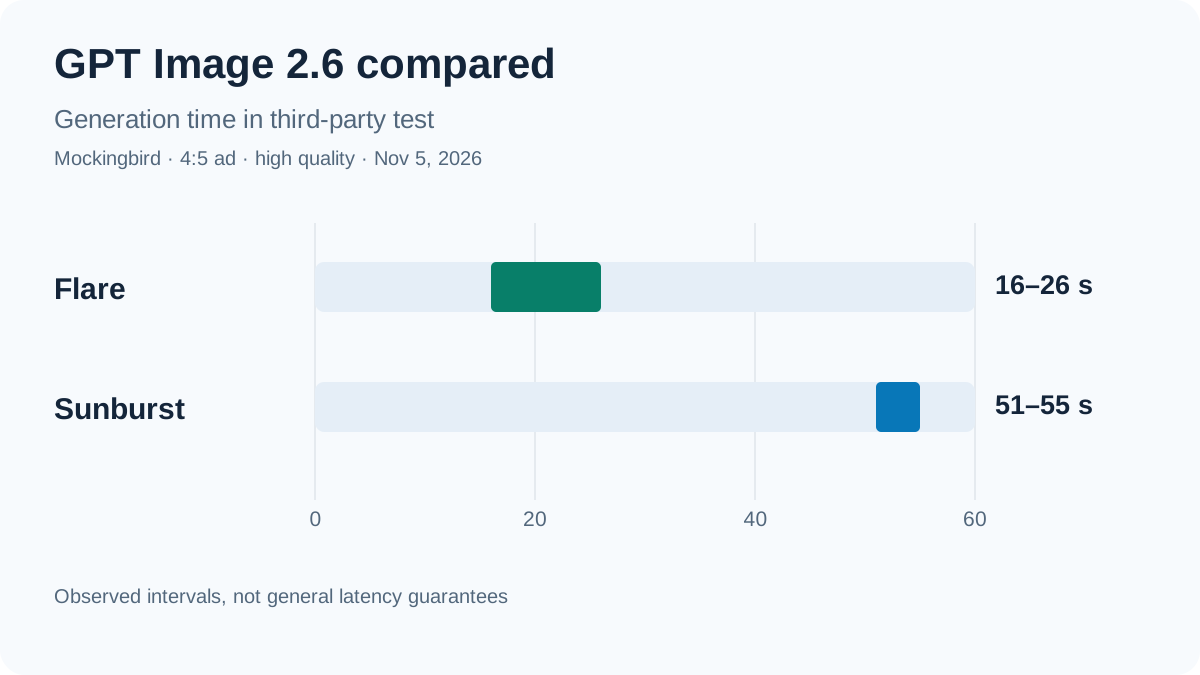
A Mockingbird hands-on report, updated November 5, 2026, gives a more specific measurement. For its 4:5 advertising pipeline using five reference images, identical prompts and high quality, Flare finished in 16–26 seconds and Sunburst 2.6 in 51–55 seconds. The reported per-ad cost in that setup was roughly $0.088–$0.108. This is one commercial operator’s limited test, not a broad independent cross-workload benchmark.
Recraft published a separate twelve-prompt visual comparison. It is useful for examining examples, but twelve creative prompts do not establish statistically reliable superiority for every use case. Compare your actual application prompts at identical output settings before choosing a default.
Complexity and quality control different things
The API adds complexity, which sets the model’s planning effort independently of quality, the rendering setting. OpenAI documents low, medium and high complexity, with high as the 2.6 default. Generation guide.
Lower complexity is worth trying for targeted edits and iterative tools. More constrained scenes involving many objects, labels or spatial requirements are candidates for medium or high. Higher complexity can increase generation time or alter more of an image than requested; it is not a guaranteed improvement. There is no separate flat complexity fee, although billed token usage should still be measured.
SVG, animated GIFs and markup-guided editing
SVG generation: Request output_format="svg" on a supported generation request to receive a static vector asset. SVG output is useful for web illustrations, but generated files still require review for geometry, text, accessibility, file size and safe rendering. The documented Image Edit endpoint does not support SVG editing in the same manner. OpenAI generation guide.
Animated GIFs: Both 2.6 models can create GIFs with two to sixteen frames. The API exposes frame count and duration settings. Short loops and animated concepts are plausible uses; longer motion work and efficient web delivery may be better served with video formats.
Markup-guided edits: A separate annotation image can point to the region that should be changed, with the actual instruction in the prompt. It is guidance for the editing model, not a pixel-lock guarantee for unmarked areas. Image Edit API reference.
Using Flare or Sunburst on a Mac
Both models run on OpenAI cloud infrastructure. A Mac is a suitable API client, but Apple Silicon does not run the 2.6 model weights locally. That matters for latency, recurring billing and handling confidential image assets.
A minimal Python generation request:
import base64
from pathlib import Path
from openai import OpenAI

client = OpenAI()
result = client.images.generate(
    model="gpt-image-2.6-flare",
    prompt="Minimal editorial image of a home workstation, no logos",
    size="1024x1024",
    quality="medium",
    complexity="low",
    output_format="png",
)
Path("output.png").write_bytes(
    base64.b64decode(result.data[0].b64_json)
)
Use a current OpenAI Python SDK, an API key provided through the environment and an API account with billing enabled. To test Sunburst, change the model ID while keeping all other settings constant. The example follows the published Image API but was not run against a live paid endpoint for this article.
Before sending private product images or personal information to a third-party API, check the data-processing terms that apply to your organization. A U.S. billing address or a local Mac app alone does not establish the processing region. OpenAI provides separate API data controls documentation.
Which model should developers pick?
| Workflow | First model to test | Reason |
|---|---|---|
| Rapid creative exploration | Flare | Speed priority |
| Interactive previews | Flare | Shorter iteration cycles |
| Detailed campaign imagery | Sunburst | Precision priority |
| Repeated selective edits | Sunburst | Consistency priority |
| Production SVG graphics | Both | Validate output files |
| Short GIF loops | Both | Check frames and file size |
| Offline on-device images | Neither | Cloud API models |
A defensible production comparison should fix prompts, reference assets, image sizes and quality settings. Record median and tail latency, billed tokens, manual intervention and approval rates across enough repetitions to reveal variability.
For a separate lower-cost image API perspective, compare Gemini 3.1 Flash Lite Image. It is also a cloud-hosted model, not an Apple Silicon local checkpoint.
Sources and scope
Reviewed November 6, 2026 using OpenAI’s release, model pages, generation guide and pricing. Third-party timing claims are attributed to the named testers; the numerical budget examples are hypothetical. No first-party image generations or benchmarks were conducted.
Frequently Asked Questions
What is the difference between GPT Image 2.6 Sunburst and Flare?
Flare is optimized for speed and rapid iteration; Sunburst targets detail and editing consistency. Both have the same published API token rates.
How much does GPT Image 2.6 cost?
Both API models list $5 per million text input tokens, $8 per million image input tokens and $30 per million image output tokens. Cached inputs are discounted, and there is no guaranteed fixed price per image.
Can GPT Image 2.6 run locally on a Mac?
No local weights have been released. The GPT Image 2.6 models run as cloud APIs; a Mac can run the client application.
Does GPT Image 2.6 generate SVG and animated GIFs?
Yes. Both models support SVG image generation and animated GIF output. SVG editing is not supported by the documented image edit endpoint.