Verified October 3, 2026
DeepSeek Harness, or DSH, is not another DeepSeek language model. It is the runtime around a model: the software layer that gives an AI agent access to files, shell commands, tools, sessions, skills, subagents, workflows and optional browser or desktop control.
DeepSeek currently distributes Harness as a public preview and publishes the source code under the MIT license. Its most important design choice is architectural rather than model-specific: model adapters, tools, the agent loop, storage and other capabilities are built as replaceable components.[S1][S2]
DeepSeek Harness is an open agent runtime. It is designed to let different models operate through a common tool, file, workflow and automation layer.
What is included?
| Capability | Status | Why it matters |
|---|---|---|
| Web UI | Yes | Local browser interface |
| Local runtime | Yes | Harness runs on your machine |
| DeepSeek models | Yes | First-party support |
| Other cloud models | Yes | OpenAI, Anthropic, Moonshot/Kimi, Z.ai/GLM and others |
| Custom compatible endpoints | Yes | OpenAI-/Anthropic-style APIs |
| File access | Yes | Read and modify project files |
| Shell / terminal | Yes | Run builds, tests and scripts |
| MCP | Yes | Connect external tools and services |
| Skills | Yes | Reusable agent capabilities |
| Subagents | Yes | Delegate work to child agents |
| Workflows | Yes | Multi-step orchestration |
| Scheduling | Yes | One-off and recurring jobs |
| Browser control | Optional / experimental | Drive a browser through supported providers |
| Computer use | Optional | Control the desktop through a provider |
| Sandbox / approvals | Yes | Reduce risk, not complete isolation |
| Python SDK | Yes | Programmatic integration |
DeepSeek documents several agent presets. Standard Mode exposes a broad toolset. Code Mode lets the model orchestrate tool operations more programmatically. Minimal Mode intentionally reduces the environment for cleaner evaluation. Creator Mode is aimed at building and experimenting with custom Harness configurations.[S1]
The key detail: Harness is not locked to DeepSeek models
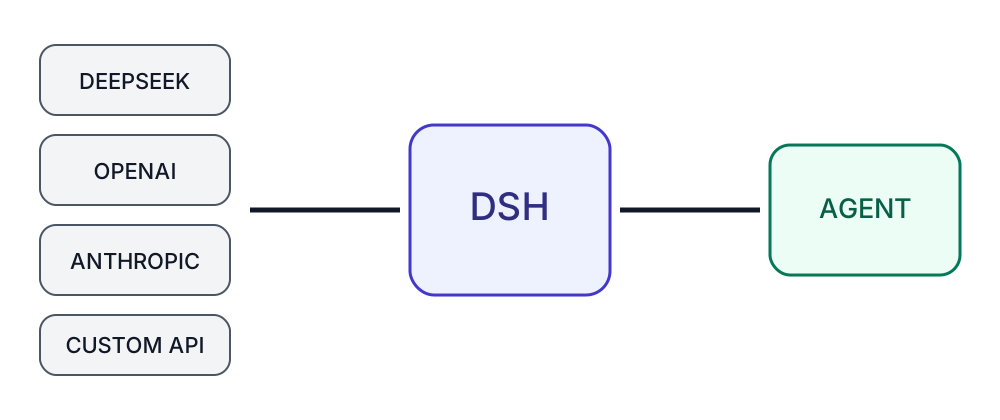
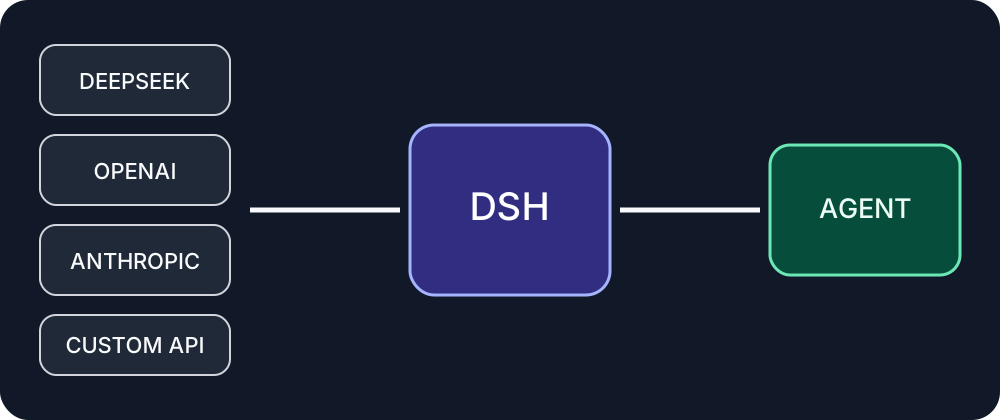
The product name can be misleading.
The current provider guide describes support for services including:
- DeepSeek
- OpenAI
- Anthropic
- Moonshot/Kimi
- Z.ai/GLM
- custom compatible endpoints
Custom providers can use supported protocols such as OpenAI Chat Completions, OpenAI Responses or Anthropic Messages.[S3]
That separation is the main strategic advantage of a harness.
You can keep the same tool stack, session model and workspace while changing the underlying LLM. In practical terms, the same repository can be tested with DeepSeek, Claude, GPT, Kimi or GLM without replacing the entire agent environment.
What do you need to install it?
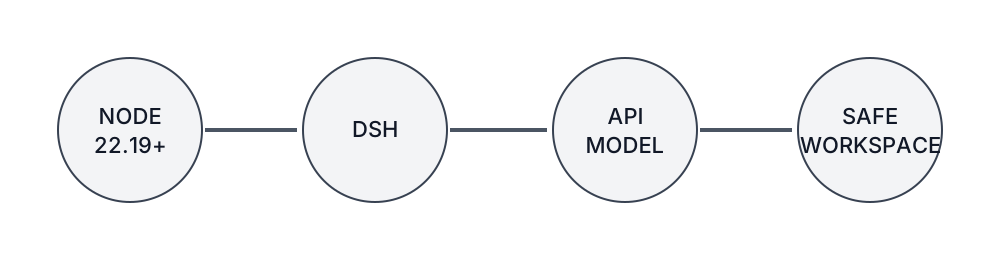
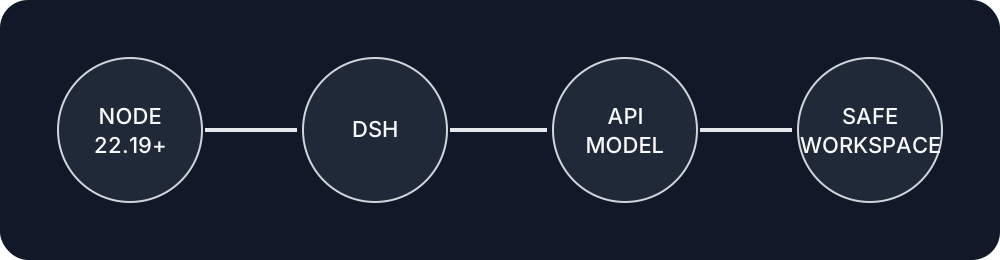
For the current Node-based web application, the repository requires Node.js ^22.19.0 or >=24.0.0.[S2]
The simplest start command is:
npx @deepseek-ai/dsh webThe application then exposes a local web interface. You configure a model provider from there or through the relevant settings.[S2][S3]
Minimum requirements
You need:
- a macOS, Windows or Linux machine,
- a supported Node.js version,
- DeepSeek Harness,
- a compatible model provider or endpoint,
- a workspace the agent is allowed to access.
A high-end local GPU is not required when model inference happens through a cloud API.
Do you need a DeepSeek API key?
No.
You need a DeepSeek credential only when you use DeepSeek’s hosted model service. A custom provider uses its own API key, endpoint and model identifiers.[S3][S4]
That makes DSH closer to an open agent runtime than a single-vendor chatbot.
How much does DeepSeek Harness cost?
The Harness source code is released under the MIT license.[S2]
Model inference is separate.
Depending on your configuration, the actual workload may be billed by:
- DeepSeek,
- OpenAI,
- Anthropic,
- another model provider,
- or your own local infrastructure.
DeepSeek’s own terms distinguish its hosted models from custom-model services.[S4]
Useful distinction: the harness can be free software while the model behind it still costs money.
This matters more for agents than for ordinary chat. Multi-step tasks may repeatedly send context, tool output and intermediate state back to the model. Harness therefore includes token-pressure and usage telemetry, while the model provider remains the authoritative source for billing.[S5]
Why “everything is a plugin” matters
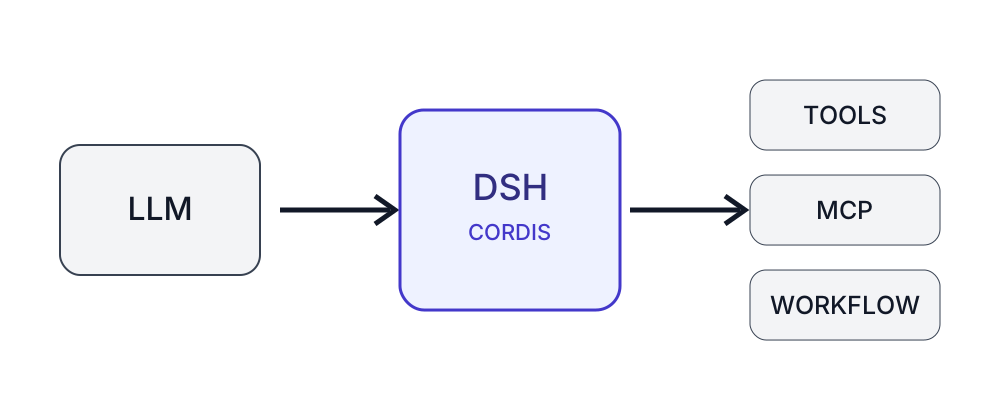
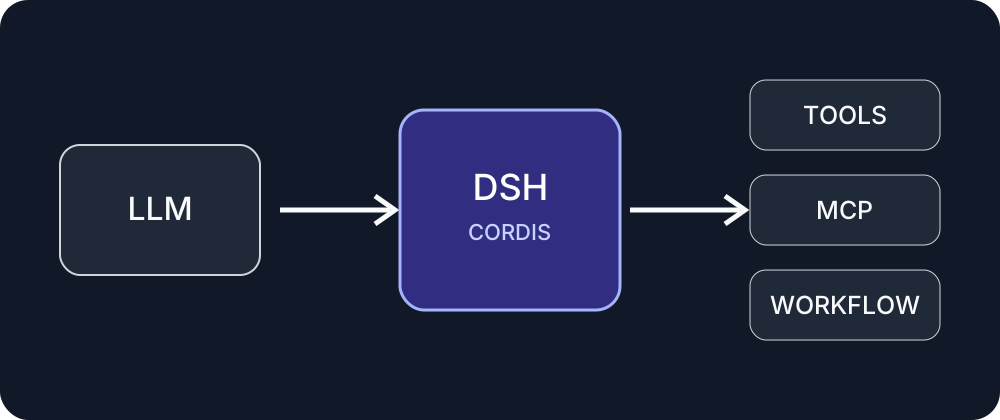
DeepSeek Harness is built on Cordis, a component system that manages plugins, dependencies and lifecycle behavior.[S6]
That architecture allows key parts of the runtime to be swapped or extended, including:
- model adapters,
- tools,
- agent loop behavior,
- storage,
- session logic,
- sandboxing,
- UI-level services.
For developers, the practical benefit is extensibility without maintaining a full fork for every change.
MCP support
Harness includes Model Context Protocol integration.[S7]
Configured MCP servers can contribute tools to the normal Harness tool catalog, making it possible to connect services such as:
- GitHub,
- databases,
- browser tools,
- internal APIs,
- local services,
- knowledge systems.
The current implementation does not support every MCP capability, so the integration should be treated as substantial but not universal.[S7]
Subagents
DSH has a dedicated subagent subsystem with explicit child-agent lifecycle and delegation behavior.[S8]
A parent agent can therefore split a larger task into specialized jobs such as:
- repository analysis,
- test inspection,
- architecture review,
- documentation research,
- final synthesis.
The architecture is promising, but the project remains preview software and should not be treated as fully mature enterprise orchestration.[S9]
Scheduling turns DSH into an automation runtime
The scheduler supports one-shot and recurring execution, including intervals, daily and weekly schedules and custom cron expressions with time-zone handling.[S10]
That opens use cases beyond interactive coding:
- repository checks,
- recurring analysis,
- report generation,
- research workflows,
- content validation,
- monitoring jobs.
Browser and computer control
Harness can integrate browser-use providers. Current documentation references options such as Playwright MCP, Chrome DevTools MCP and Stagehand.[S11]
A separate Computer Use subsystem supports desktop interaction through a configured provider.[S12]
That pushes DSH beyond a conventional code assistant and toward a general-purpose agent runtime.
Security is the biggest caveat
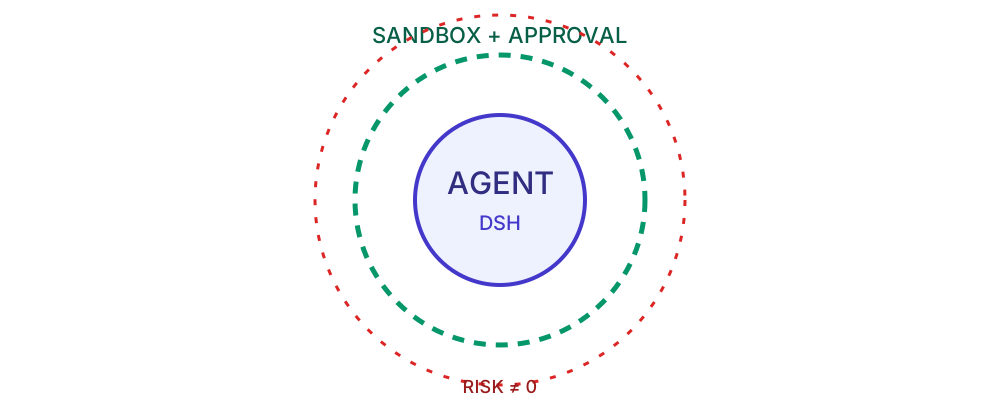
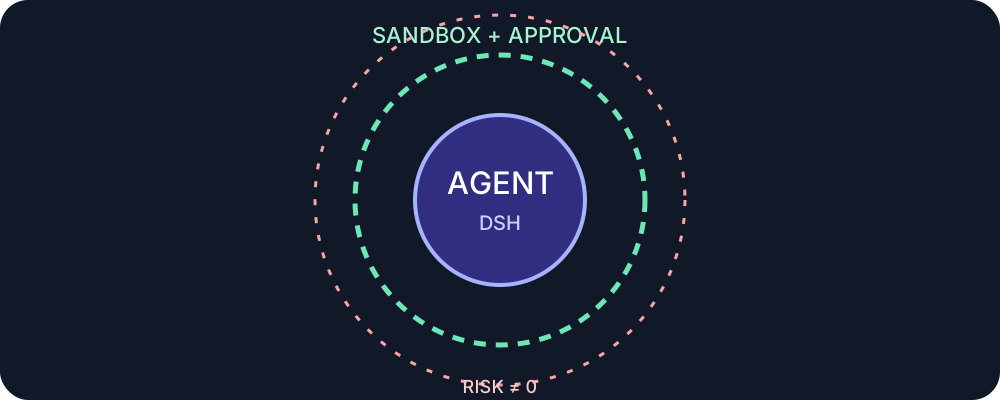
The official safety documentation is unusually explicit.
DeepSeek states that Harness is experimental preview software, has not undergone a full security audit and should not automatically be considered secure or production-ready.[S9]
Depending on your permissions, an agent may be able to:
- read files,
- modify files,
- execute shell commands,
- start processes,
- load plugins,
- access networks,
- use credentials.
DSH does provide sandboxes, permissions and approval mechanisms. But the documentation also warns that these controls do not provide guaranteed isolation.[S13]
Safer first-test setup
Use:
- a disposable repository,
- clean Git commits before each run,
- no production SSH keys,
- no sensitive credentials,
- approval for destructive commands,
- careful review of third-party plugins,
- narrow permissions for browser or desktop control.
DeepSeek Harness vs Claude Code, Codex or Hermes
The main distinction is product architecture rather than raw model quality.
A tightly integrated coding agent usually ships model, agent loop and tool environment as one product.
DeepSeek Harness exposes more of that stack as a replaceable runtime layer.
| Area | DeepSeek Harness | Typical integrated coding agent |
|---|---|---|
| Model switching | Core design goal | Varies |
| Custom providers | First-class | Varies |
| Plugin architecture | Very open | Usually narrower |
| MCP | Integrated | Product-dependent |
| Scheduling | Built in | Varies |
| Subagents | Built in | Varies |
| Runtime modification | Explicitly encouraged | Usually more limited |
| Setup complexity | Higher | Usually lower |
| Preview risk | Currently significant | Product-dependent |
Who should try it?
DSH is probably unnecessary if all you want is a DeepSeek chat interface.
It becomes much more interesting if you want to:
- compare multiple models in one agent environment,
- automate file and shell work,
- use MCP extensively,
- build custom tools and skills,
- experiment with subagents,
- schedule recurring jobs,
- integrate browser or desktop control,
- modify the agent loop itself.
A practical macOS benchmark
Take a small disposable repository and give Harness the same three tasks with two different models:
- explain the project structure,
- locate and fix a known bug,
- run the tests and summarize the changes.
Record:
- elapsed time,
- number of model calls,
- input and output tokens,
- tool calls,
- passing tests,
- unwanted file changes,
- manual interventions.
That measures something ordinary LLM benchmarks miss: how efficiently the harness turns model capability into useful work.
Bottom line: A runtime built around replaceable models
DeepSeek Harness is most interesting because it separates the agent runtime from the model.
You get a flexible environment with provider switching, files, shell, MCP, skills, subagents, scheduling and optional browser or desktop control. In return, you accept more configuration, more architectural complexity and the risks of a rapidly evolving preview project.
For simple DeepSeek access, it is excessive. For developers and agent power users, it is a notably open platform.
Transparency
Sources and review basis
These primary and reference sources form the basis of the technical assessment. Vendor claims and external benchmarks are identified as such in the article.
- deepseek.com en / harness
- github.com deepseek-ai / deepseek-harness
- github.com guide / providers.md
- deepseek.com harness / data-processing
- github.com subsystems / token-meter.md
- github.com docs / architecture.md
- github.com subsystems / mcp.md
- github.com subsystems / subagent.md
- github.com master / SAFETY.md
- github.com guide / schedule.md
- github.com subsystems / browser-use.md
- github.com subsystems / computer-use.md
- github.com subsystems / sandbox.md